

Step 1 · 1 min
Connect your WhatsApp number
Connect with Facebook, Meta’s window step by step, the 6-digit code, and what to do if a number is “Pending” or “already registered”.
Short videos with the real screens. Watch one, do that step, then watch the next.
Connect with Facebook, Meta’s window step by step, the 6-digit code, and what to do if a number is “Pending” or “already registered”.
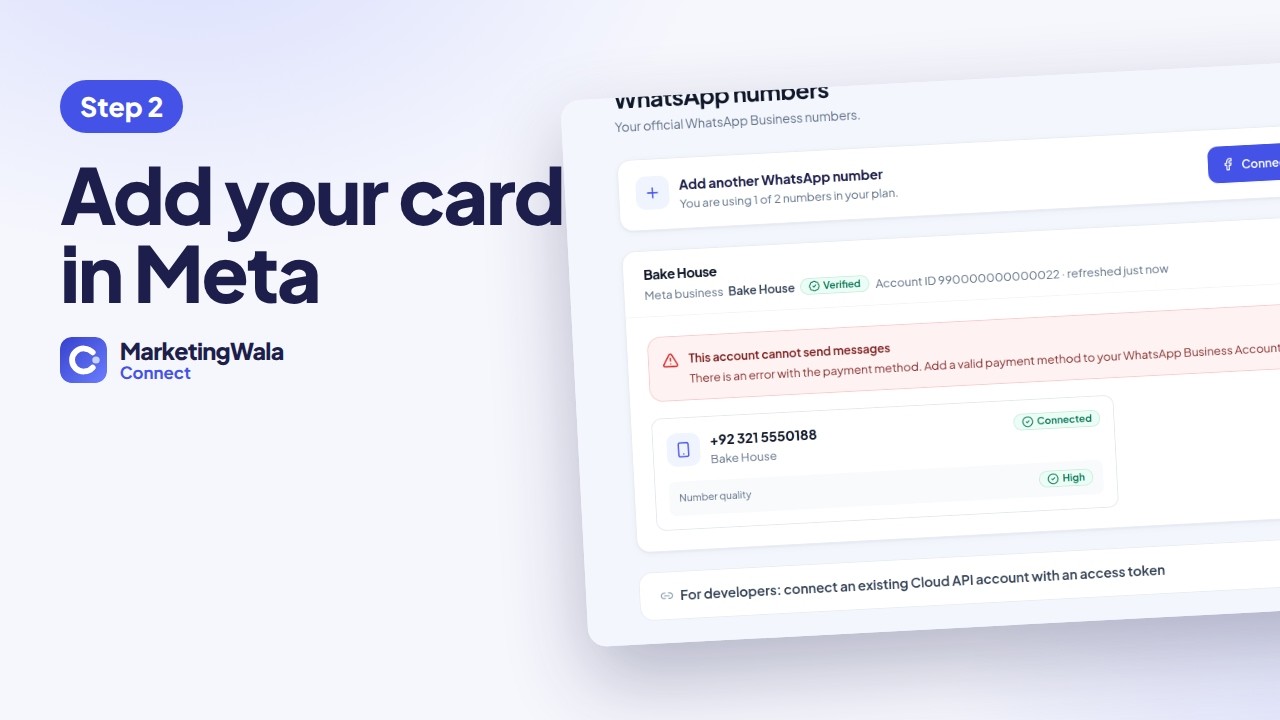
Billing & payments, your WhatsApp account, US dollars and your card. Meta charges its fees to you directly, with 0% markup.

Write a message with the customer’s name, add a photo and buttons, and send it to Meta for approval.
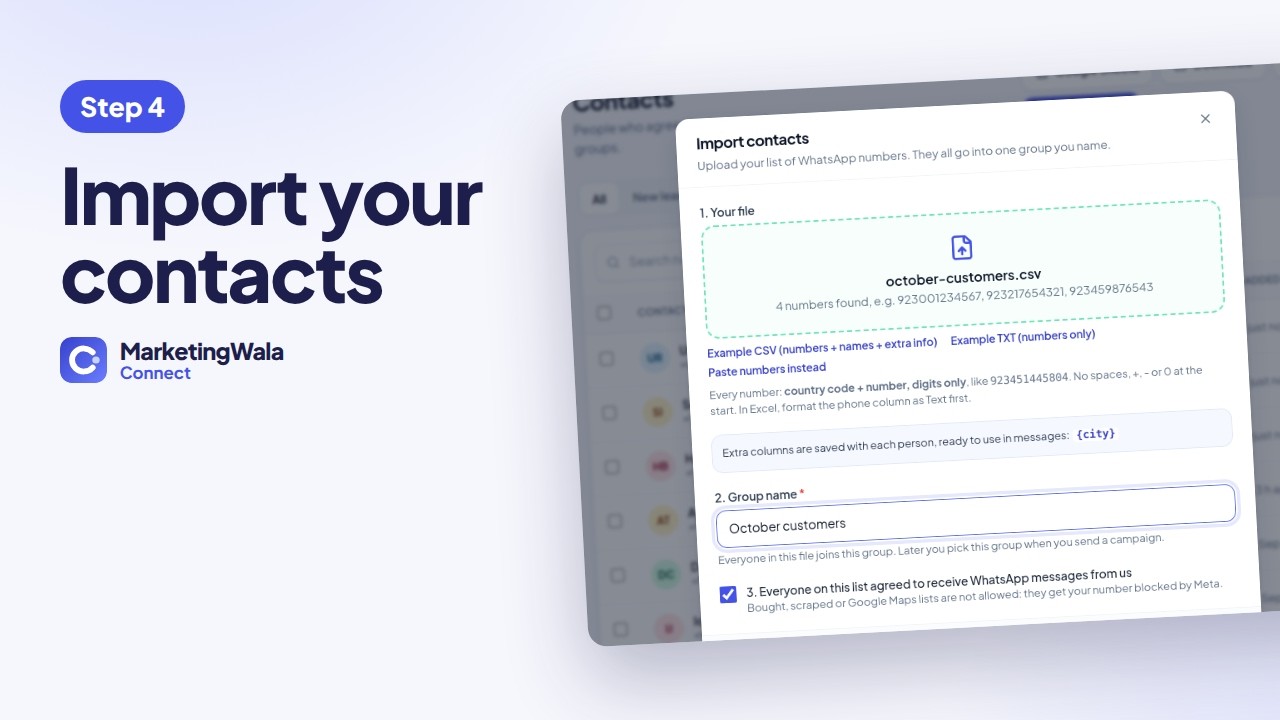
Upload a CSV or TXT list, the number format Meta needs, and groups for your campaigns.

Choose the message and the people, see Meta’s cost, send, and follow who read and replied.
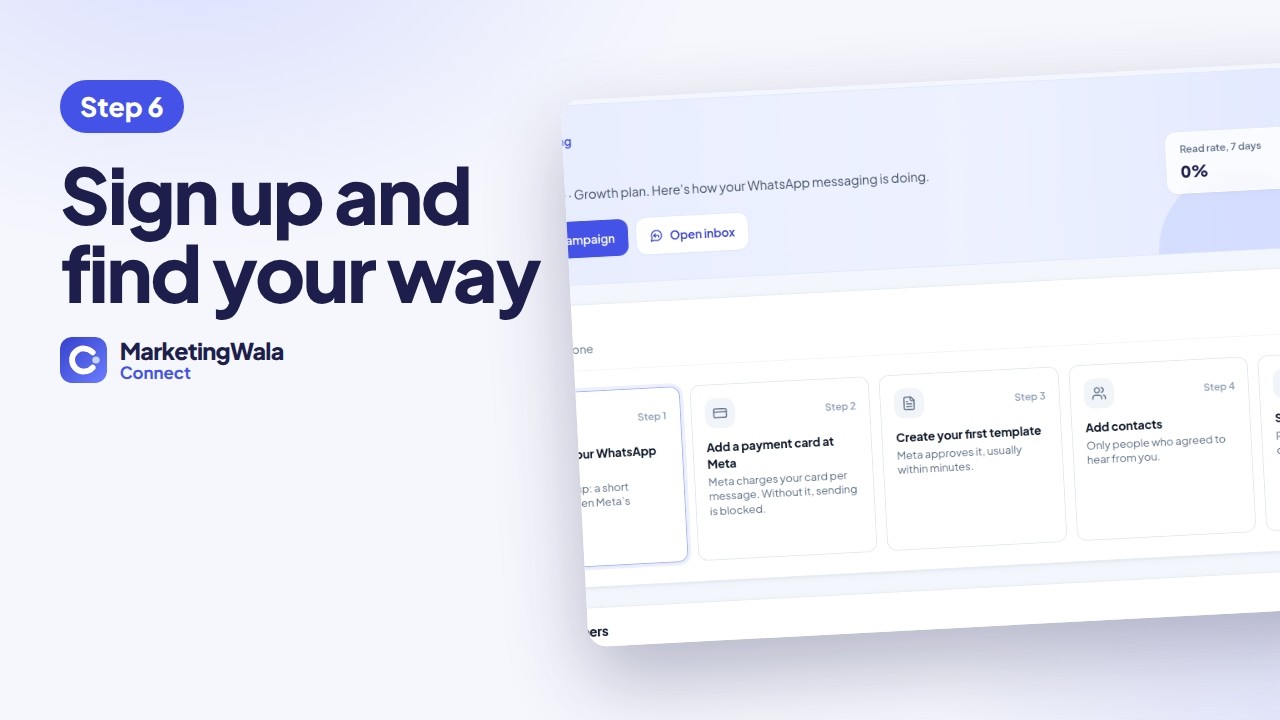
Start your free trial and find everything in your panel.
Start your free trial, then tap “Set it up for me” on your Setup page. We connect it together on a short call.